Views, onboarding and navigation
Understand page responsibilities and navigation through management, history, merging and spatial preview.
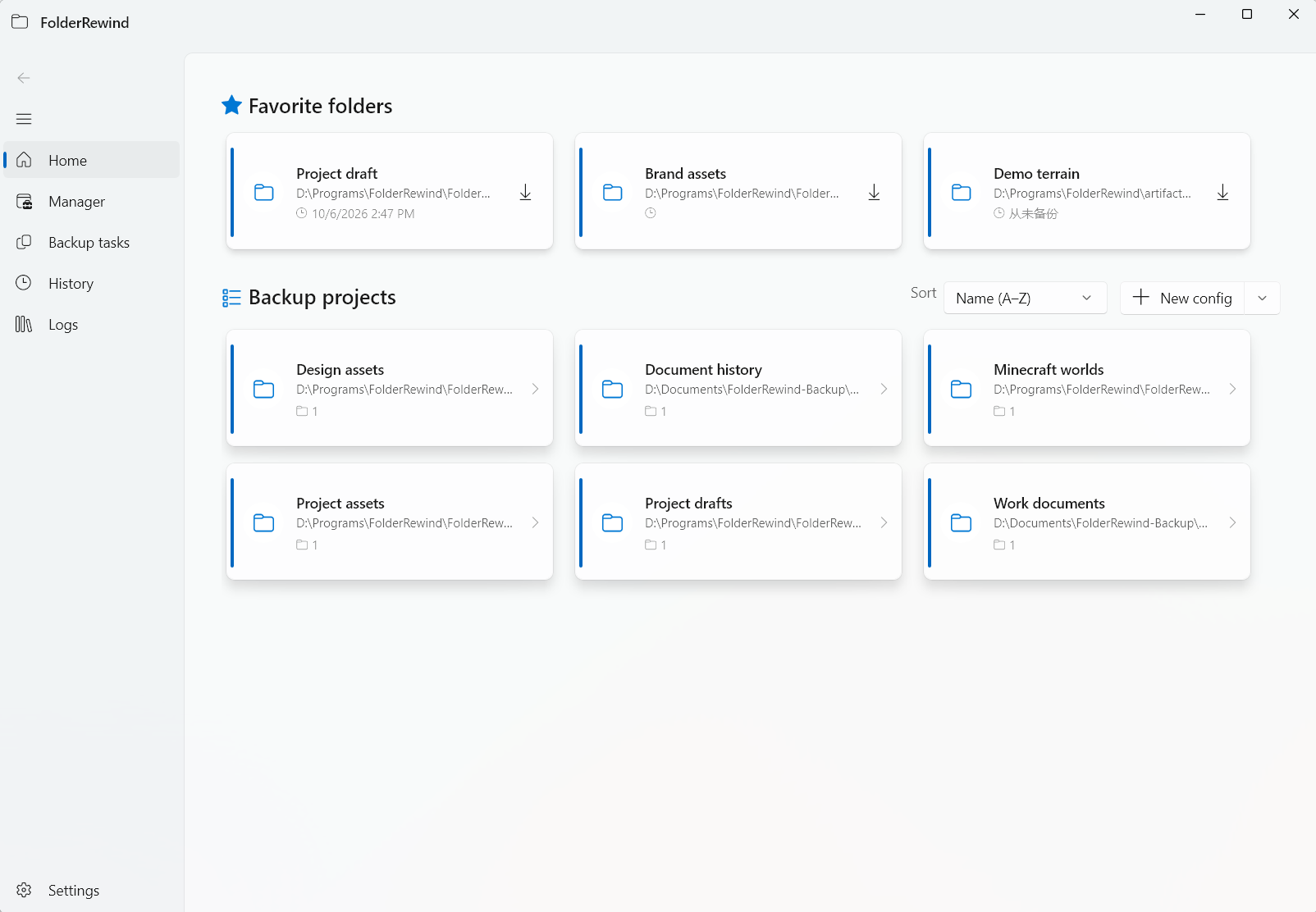
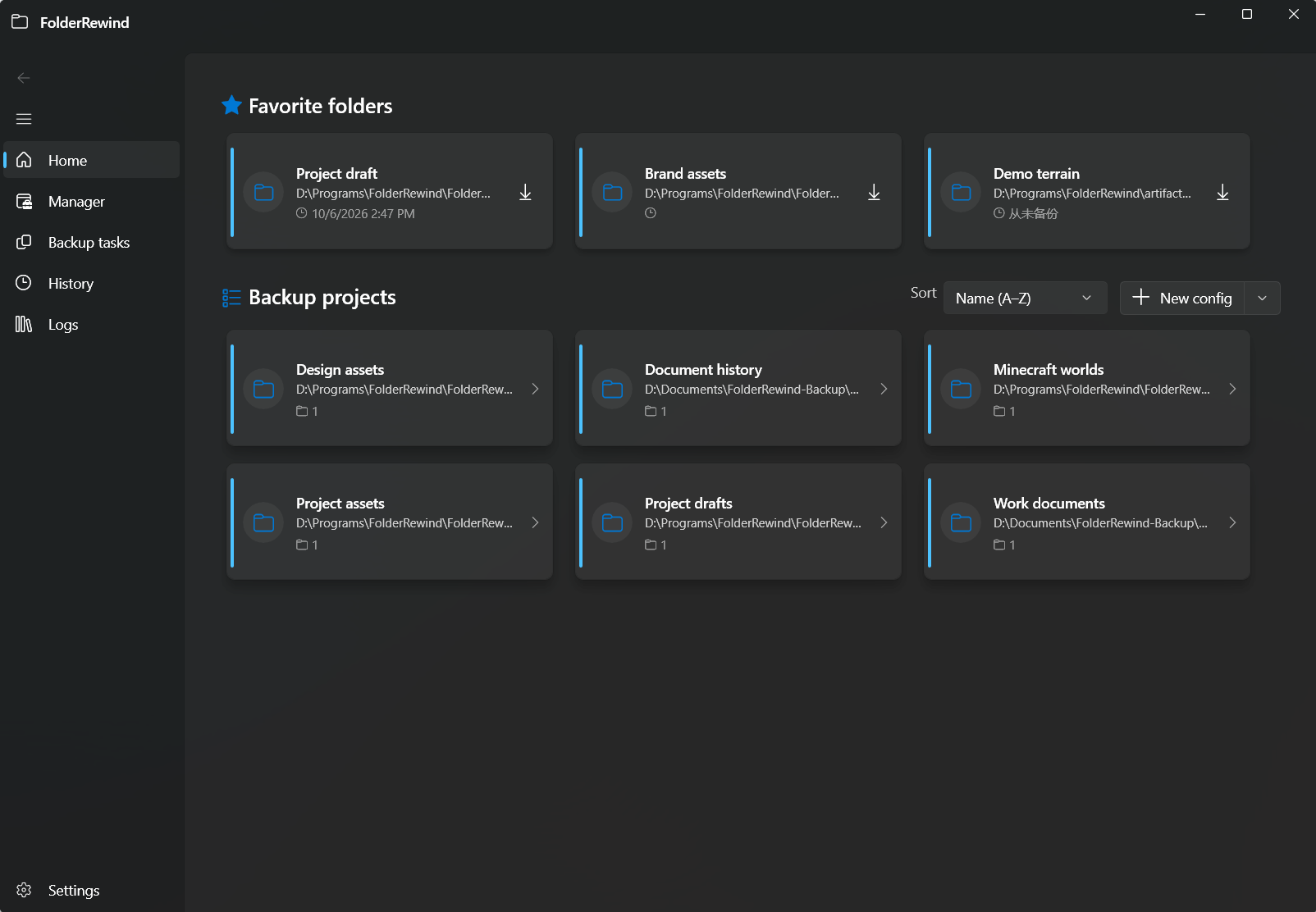
Project and source entrypoints in FolderRewind 1.9.6. Interface version: 1.9.6.
Pages
Home creates/templates/batches; FolderManager manages sources; BackupTasks observes jobs; History has normal/advanced and source/Run views; GameDiscovery reviews Beta candidates; CloudSetup configures/tests connections; Log shows diagnostics; Settings groups tools/plugins/templates/transfer.
Current ViewModels include HomePageViewModel, FolderManagerPageViewModel, HistoryPageViewModel, PluginStorePageViewModel, GameDiscoveryPageViewModel and CloudSetupViewModel. Verify actual files rather than legacy HistoryViewModel/PluginStoreViewModel names.
Dialogs and windows
Config/cloud/template/merge interactions use views and AppDialog services on the UI thread. MiniWindow binds stable sources; RecoveryCenter handles corrupted configuration with ordinary writes blocked.
Settings and theme
Settings controls cover appearance, behavior, diagnostics, plugins/KnotLink, presets/templates, data and environment. OpenList controls/connection diagnostics expose real readiness. Semantic resources adapt light/dark/system/high-contrast; state also includes text/automation labels.
Acceptance
Separate navigation from orchestration. Test narrow layouts/DPI/languages/keyboard/cancellation/recovery/deep notification routing. Building source does not verify UI layout or game exit/rejoin.
Merge and map pages
MergeWorkspacePage hosts branch selection, file-conflict comparison, result review and session recovery. SpatialPreviewPage uses the Kind owner's read-only spatial provider for dimensions, navigation, zoom and point details; it does not edit saves.