Your first backup
Start with a few test files. This walkthrough creates a full version that you can inspect in history and restore.
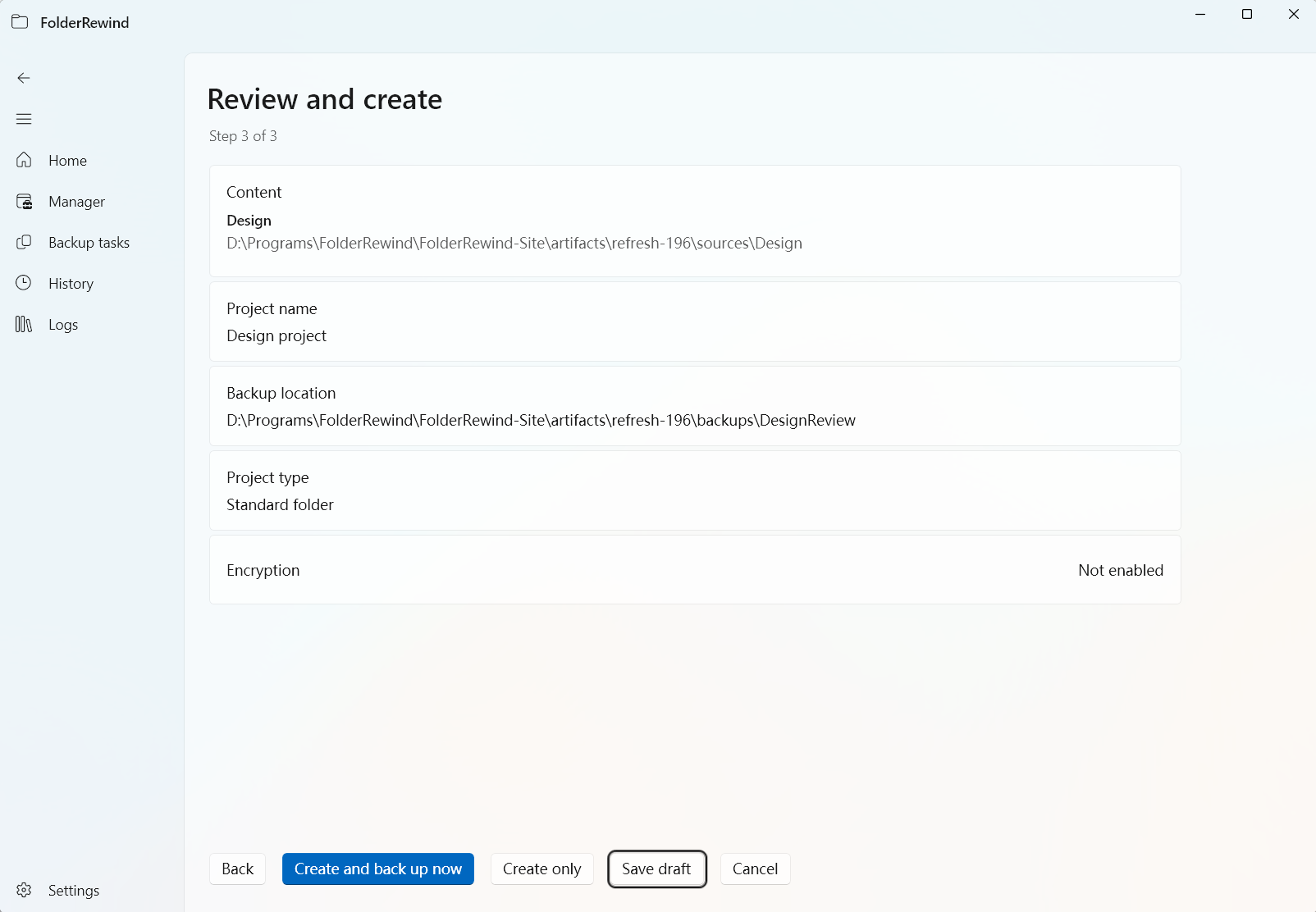
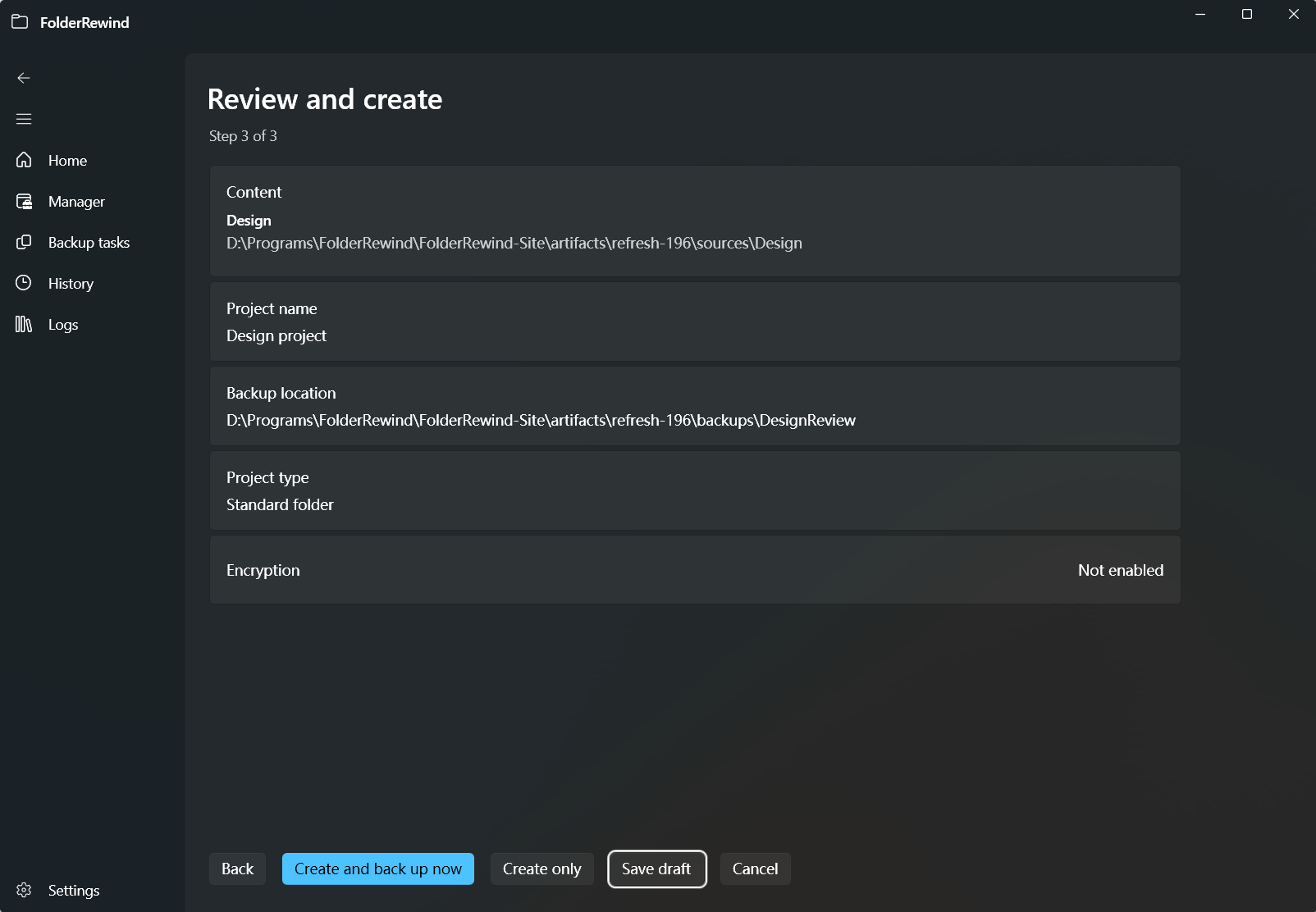
Review sources, name and archive location before creating a project. This is a demonstration summary before submission. Interface version: 1.9.6.
1. Prepare a folder and backup location
Create a test folder with two or three documents. Choose a separate backup directory: for example, D:\Demo\Documents for the source and D:\Demo\Backups for archives. Neither location may contain the other. Leave room for archives and temporary files.
2. Create a backup project
Choose New backup project on the home page. Enter a name, project type, source and backup location, then review the summary and create the project. Use the ordinary-folder type for documents. Minecraft and other plugin types require their provider to be active.
Templates and game discovery also lead into project creation. Discovery returns candidates: check their paths and included files before accepting them. Confirm the folder appears in management. A project can contain several sources.
3. Save the first version
Select Full in project settings. Review filters, compression and encryption, then save. Keep the first exercise simple by backing up the complete managed range.
Run the backup with a useful comment such as “Initial version”. Wait for completion and check every source's result; one successful source does not mean the entire project succeeded.
4. Check the result
Open history, choose the project and source, and find “Initial version”. Check its restore status. Change one file, add another, then follow your first restore to recover the original content.
If the task fails, read its diagnostic. Check that the source exists, the destination is writable, and the archive tool and password are correct. Moving or deleting incremental archives can break dependencies.
After verification, choose a backup mode and retention limit, then set up automation. Core validation in Settings can also help check the environment.