Automatic backup tasks
Automatic backups regularly save a project you have already verified. Choose triggers in the project's Automation settings and check which sources will be backed up.
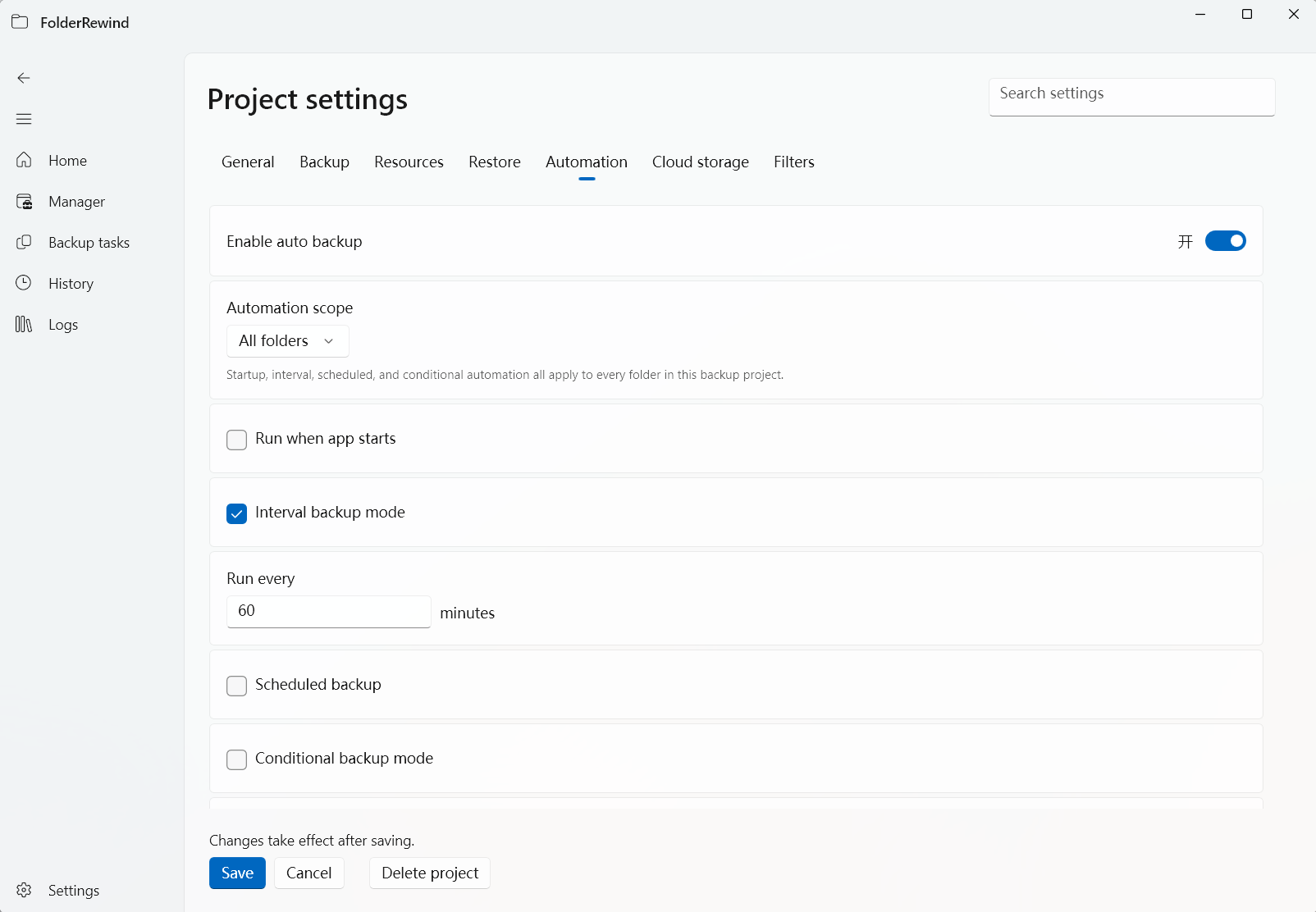
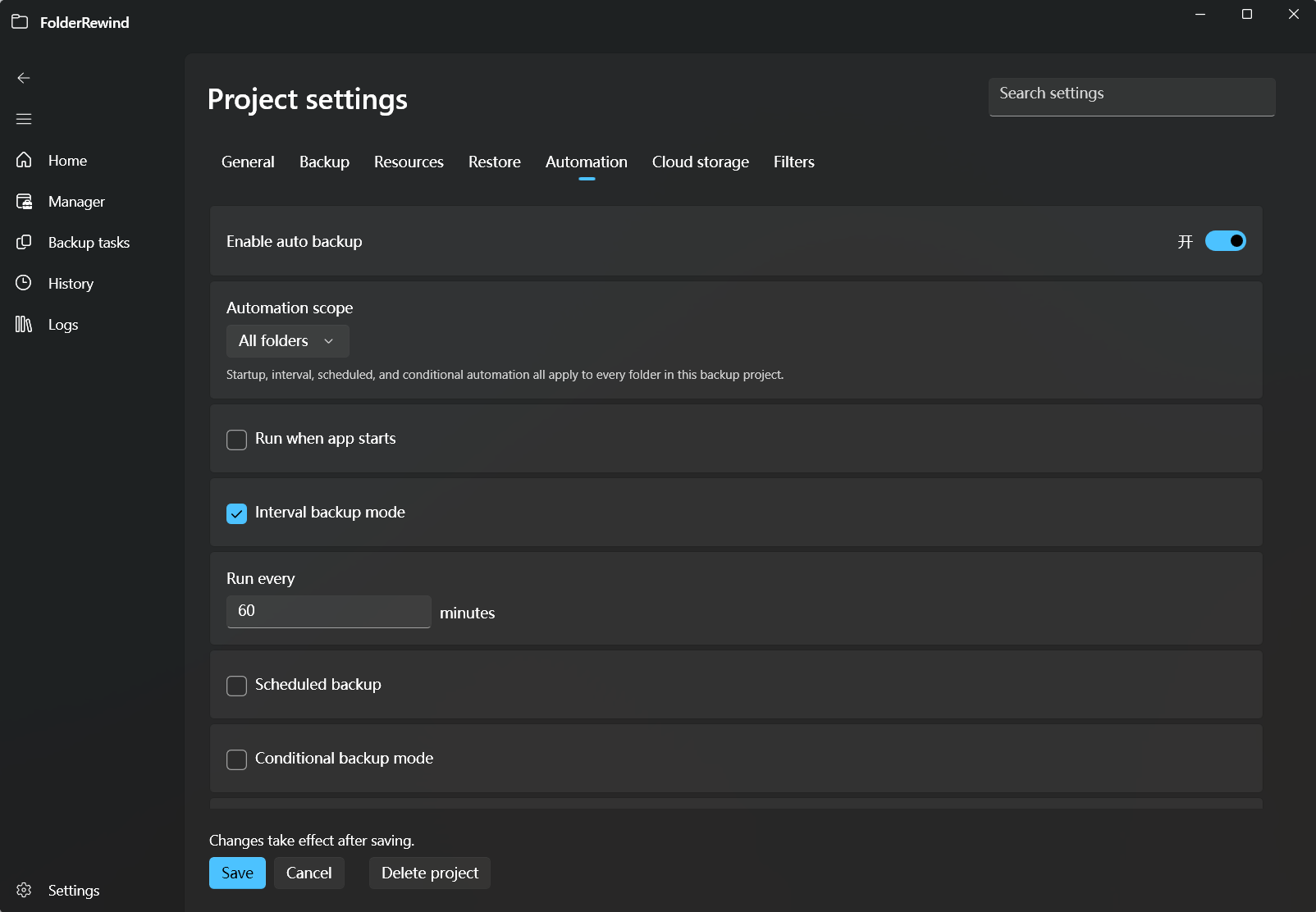
An unsaved demonstration draft with automation expanded; changes were discarded and no recurring task was started. Interface version: 1.9.6.
Choose a trigger
| Trigger | Useful for | Check |
|---|---|---|
| Interval | Regular saves during work | Minutes between runs and selected sources |
| Schedule | A fixed time | Month, day, hour and minute; 0 for month or day means every month or day |
| Startup | One save when the app starts | Task result and source readiness |
| File unlocked | Saving after a program finishes writing | Source-relative path and a real locked-to-unlocked transition |
File-unlocked conditions respond to a transition, not a file remaining unlocked. Minecraft commonly uses session.lock; detection still depends on actual game behavior.
Save and observe one run
Verify manual backup and restore before saving automation settings. Check the sources, trigger time and final result in Tasks. Skipping unchanged data may create no new version.
A configured number of unchanged runs can stop automation; changes reset that counter. Confirm the reason before restarting it. Retention counts recent recoverable versions per source, with protected versions kept in addition. See retention.
Cloud upload and cancellation
Upload after backup is a separate phase. Canceling cloud transfer does not undo a completed local backup. Read each source's outcome and the task status before deciding what to retry.
The creation wizard's first backup becomes a global task. Leaving the page does not cancel it; cancel through Tasks. Wait for cancellation to finish before starting another operation on the same project.
If a task does not run
Check whether automation is enabled, the correct sources are selected, the schedule matches and plugin consistency requirements are met. Require blocks when consistency is unavailable; read warnings when Prefer falls back. For file-unlocked triggers, confirm the program actually locks that file in a detectable way.