Source scopes, filters and restore whitelists
Choose source ranges, backup filters and restore preservation rules, then confirm the protected files in the effective preview.
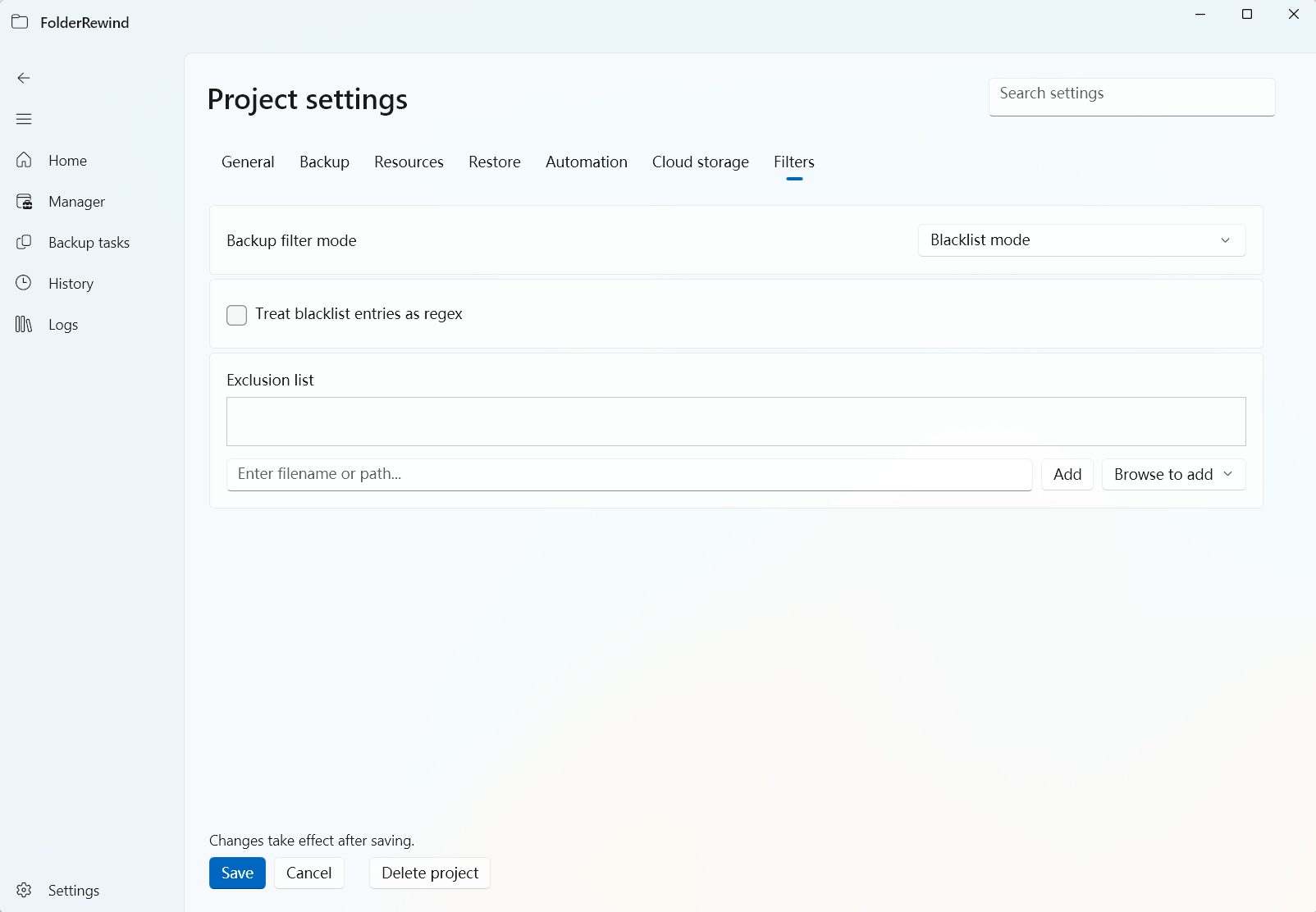
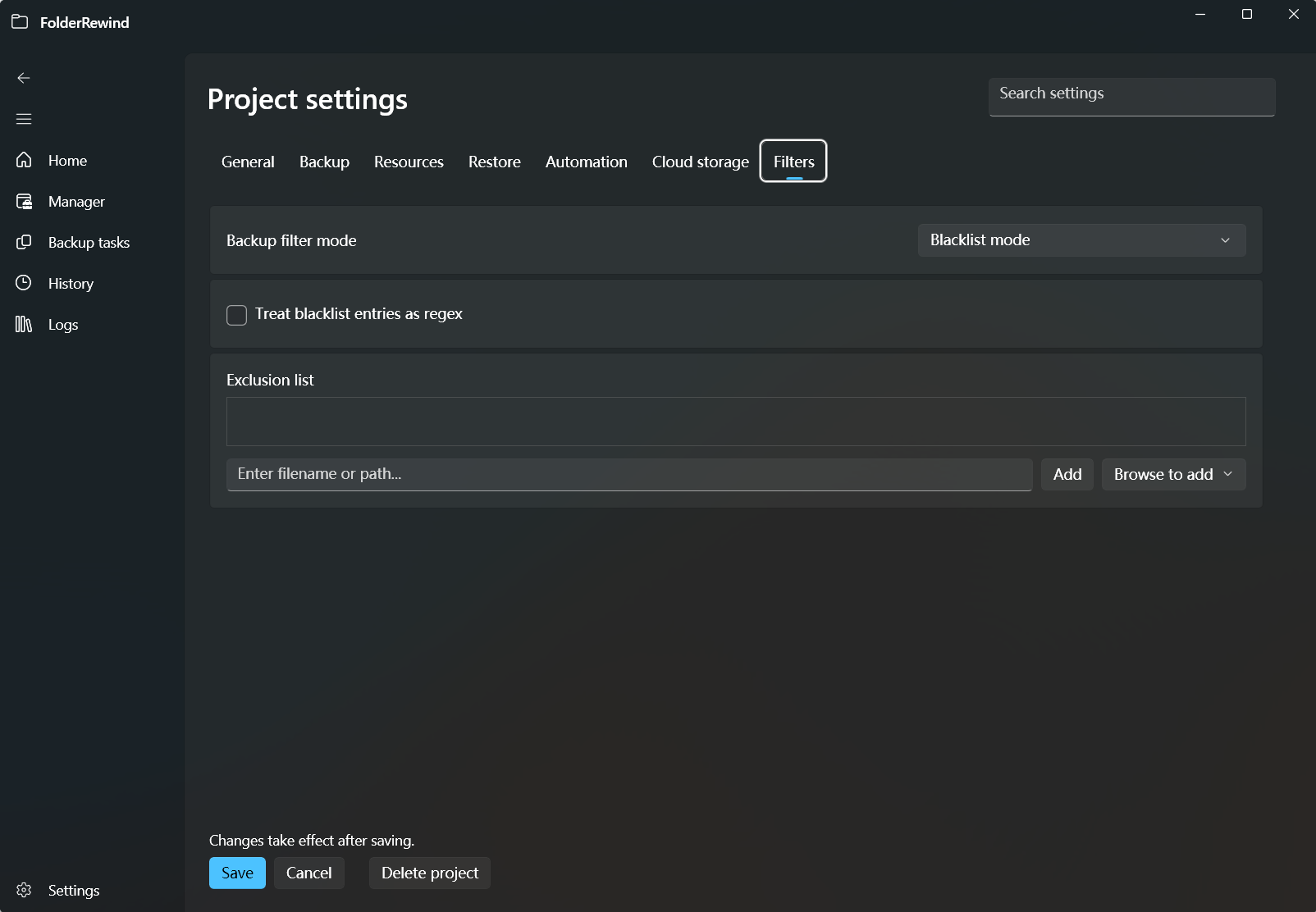
Review backup filters and restore-preservation rules on the Filters tab. Interface version: 1.9.6.
Ordering and boundaries
SourceScope first defines per-source All/relative Include globs. Config filters/provider policies/scopes narrow afterward; whitelists never expand the hard boundary. Preview managed inventory and review discovered/manual scope edits.
Backup filters
Blacklist excludes matches; whitelist includes matches only. Names/relative paths/globs/enabled regexes have distinct rules. Test positive/negative examples before broad filters.
Required provider rules remain effective; region scope cannot expand unmanaged data. Remote backup_blacklist appends/deduplicates; empty does not clear. Nonempty backup_whitelist appends and selects whitelist mode, without removing boundaries.
Clean and restore whitelist
Clean mutates only managed content. Whitelists retain current matches unless backup supplies the same path, which wins. They do not permanently protect live files from archive overrides. Overwrite retains omitted content; partial captures force it.
Ordinary preservation may produce Derived baselines. Checkout/Merge have Exact target/coordinator semantics and do not use ordinary player preservation as a branch-switch mechanism.
Verify
Test managed/unmanaged, matches/nonmatches, same-path conflicts and new files; inspect archives and compare Clean/Overwrite byte results. Review scope/upstream changes before save, not only matching counts.
One-shot file and directory preservation
KnotLink restore_preserve_paths / SDK RestoreRequestOptions.RestorePreservePaths affects only this ordinary Restore, without changing persistent filters. Use relative file paths and a trailing / for a directory. Separate entries with commas; globs, absolute paths and .. are invalid. Current bytes win, missing current target files remain absent, and additions/deletions within selected directories preserve current state.
At most 16 selectors are allowed, with staging limited to 4096 file operations and 64 MiB of current bytes. Selectors must stay inside the effective managed boundary. Minecraft paths are relative to the unique managed world root; ambiguous roots are rejected. Invalid scope or limits fail the operation rather than silently dropping preservation. Checkout/Merge do not use this override.