Browse history and manage versions
Use history to find a restorable version, add comments and manage local archives. Select the project and source before choosing the state you want to recover.
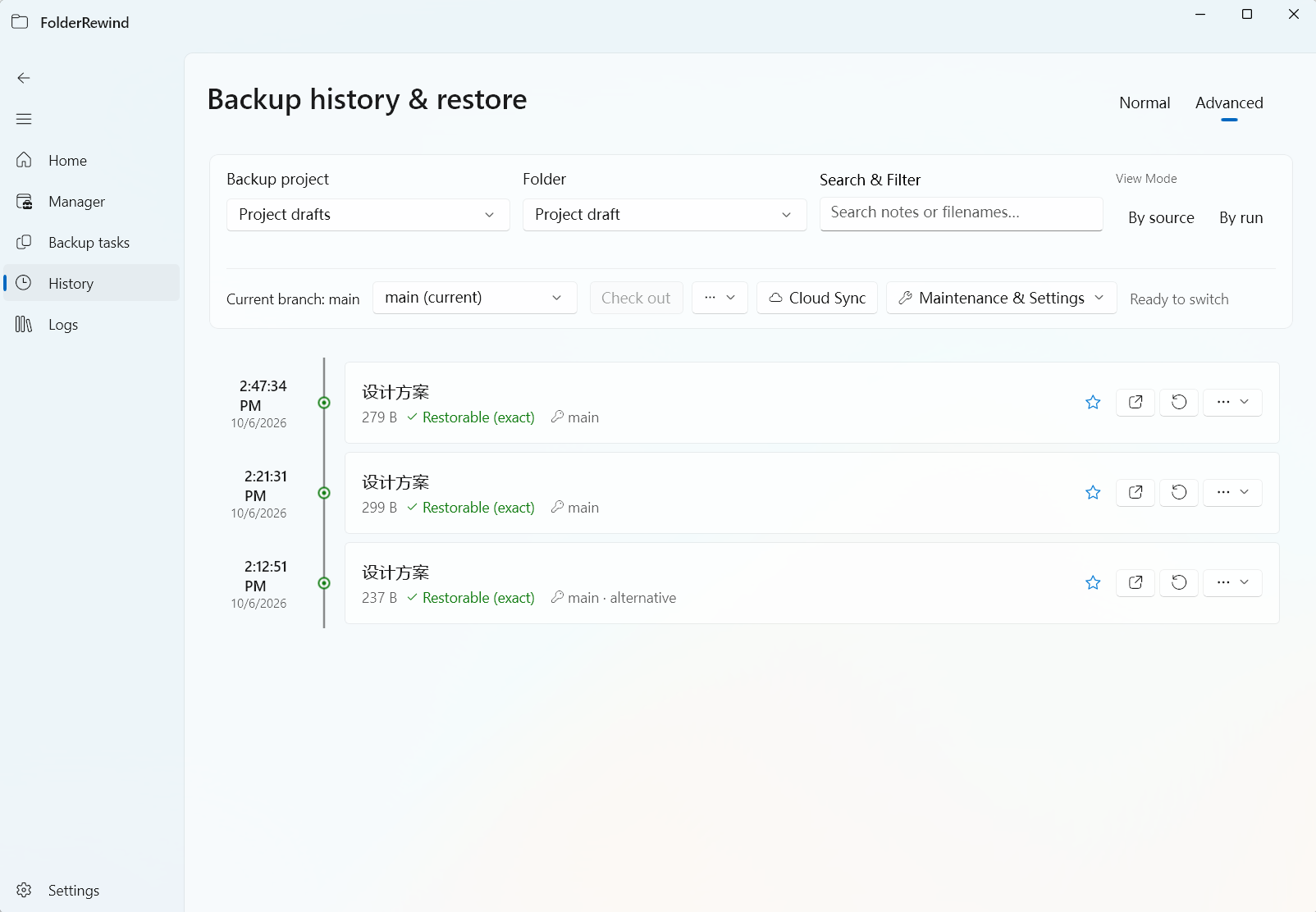
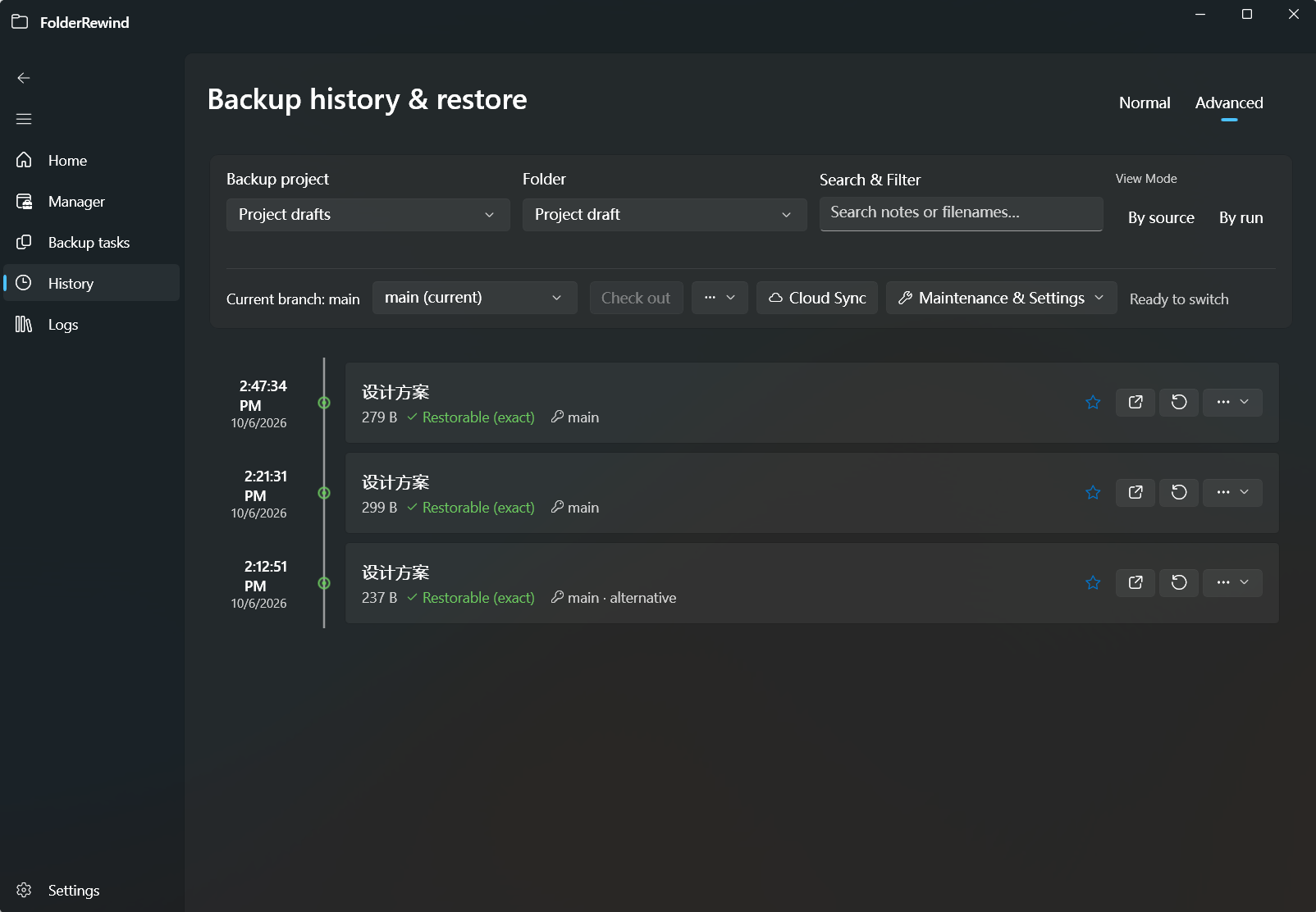
Browse the active branch and restorable source versions. Interface version: 1.9.6.
Normal and advanced views
Normal view supports search, filtering, comments, protection and restore. Browse one folder's source versions or the results of a backup run. An unchanged run need not create a version.
Advanced view adds branches, checkout and merging. Each source owns its branches; a configuration checkpoint may reference several sources. The newest timestamp is not necessarily the active branch's target.
Check whether a version is restorable
Read its restore status and diagnostic, and confirm that local archives or trusted cloud copies are available. A history record shows that an operation was recorded. Restoration also requires its archive and complete dependency chain.
Select a specific version and review the target path, scope and protection. Clean reconstructs a known managed boundary; Overwrite retains content outside the applied capture. Partial captures and legacy backups with unknown deletion boundaries use Overwrite.
Quick Restore
Quick Restore selects the active branch's unique tip for that source. In 1.9.6, a source without an active branch can use its most recent recoverable legacy backup. An existing active branch continues to determine the target.
An exact match returns NoChanges. Resolve divergence, missing dependencies or recovery-required diagnostics first. Quick Restore does not mean “the previous timestamp”.
Protection and cleanup
Protect important versions to retain them beyond the count limit. See backup modes for per-source retention of the latest N recoverable versions.
Read the impact preview before deleting a version from an incremental chain. The app can reconstruct required archives to keep later versions recoverable, with progress reporting. Reconstruction may need temporary disk space. After interruption, use the app's recovery workflow rather than deleting temporary outputs manually.
Retention cleanup releases local archives while retaining logical history and cloud copies. Hiding a record, deleting a local copy and retiring a cloud copy are separate actions; read the confirmation.
Missing files and legacy history
If an archive is missing locally, check cloud copies and dependencies before removing records. Correct legacy source mappings and archive paths in the migration report, then verify again. Successful verification may still permit only overlay restore.
Indexes can be rebuilt from history packs, but filenames cannot recreate missing archive bytes. Continue with branches and merging or safety snapshots.
Keep current files
Ordinary restore supports player preservation, a whitelist and one-shot path preservation. restore_preserve_paths names relative paths whose current contents or current deletion state must remain. This can create a derived baseline. Checkout and Merge do not apply these ordinary-restore options.