Minecraft quick start
Enable bundled MineRewind, discover and review Java or Bedrock saves, create a project and verify the first backup and restore.
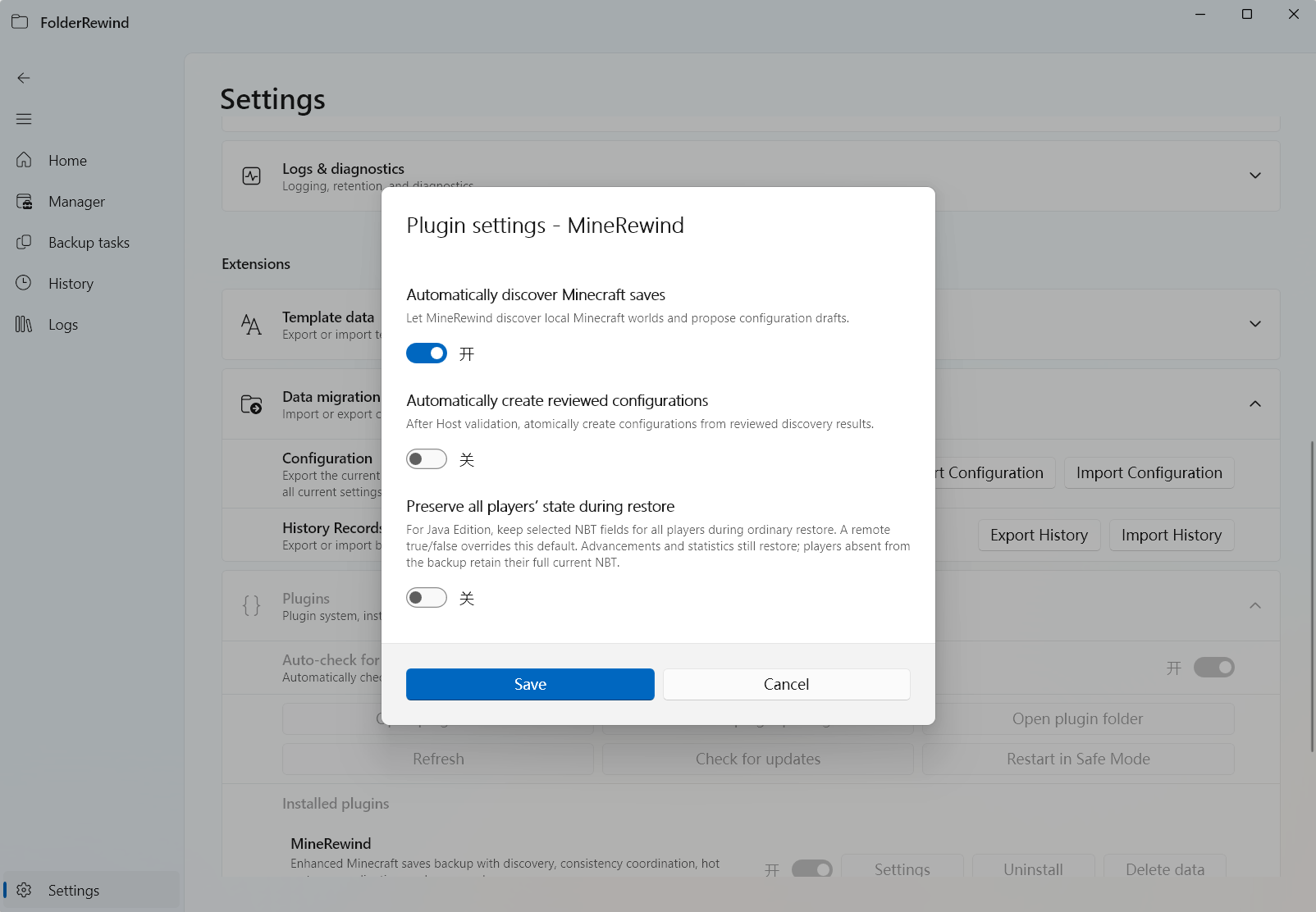
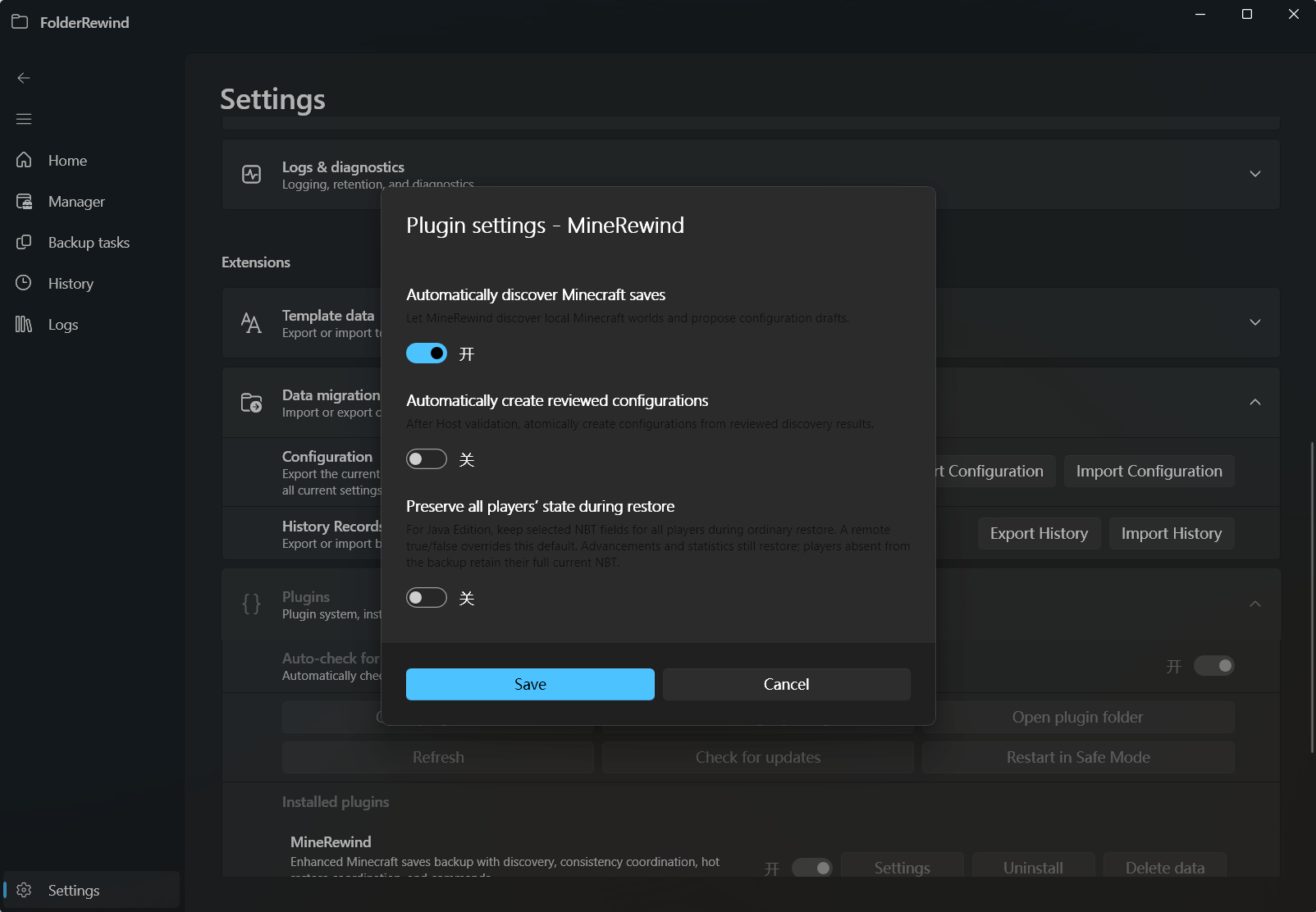
Discovery and player-preservation settings in bundled MineRewind. Interface version: 1.9.6.
Install and enable
Use FolderRewind 1.9.6 (API 3.9) and MineRewind 1.9.8; verify their official versions and sources. Install Catalog/local .frplugin in Settings, review declarations and explicitly enable. Enabled Intent still needs Active runtime confirmation;1.8 ZIPs are incompatible.
Discover instances
Use Home Minecraft creation, plugin batch discovery or game discovery Beta with .minecraft/versions/instance saves roots. Review sets/world drafts, Kind, destinations/scopes; the Host persists after summary confirmation. AutoCreateConfigs defaults false; AutoDiscoverSaves true. Instances can have independent configs.
Validate
Stop writers on a copied world, make Full backup and test restore/content comparison. Then integrate KnotLink Server v3 and the appropriate game component, checking runtime current-world capabilities.
The old EnableHotBackup setting is absent. Config Prefer/Require intent and providers resolve consistency. Test PreservePlayerData with all UUIDs, explicit false, stats/advancements and layout compatibility.
Next
Read regions, hot backup, hot restore. File tests do not replace actual game-loading acceptance.
Launchers and Bedrock
Home → New backup project → Minecraft can discover automatically. Alternatively select a launcher directory, game root, instance library, saves, minecraftWorlds or a single world. Common locations cover official Java, HMCL, PCL2, PCLCE, Prism Launcher, Modrinth App, NetEase and Bedrock. Select custom/portable locations manually when needed; this is not a whole-drive search.
Automatic discovery combines known locations and remembered roots; selected-root discovery stays scoped. Selected drafts return to setup for names, destinations and review instead of creating projects during scanning. Minecraft configurations may include ordinary folders, which use ordinary file backup rather than being treated as worlds.
Bedrock uses a separate Kind and ordinary file handling: close the game first. Java NBT player preservation, selected-regions and current-world KnotLink coordination do not apply. Java hot-backup capabilities are not Bedrock capabilities.