Read-only world map preview
MineRewind 1.9.8, bundled with FolderRewind 1.9.6, previews Minecraft Java terrain. Inspect generated chunks, dimensions and location details without launching the game.
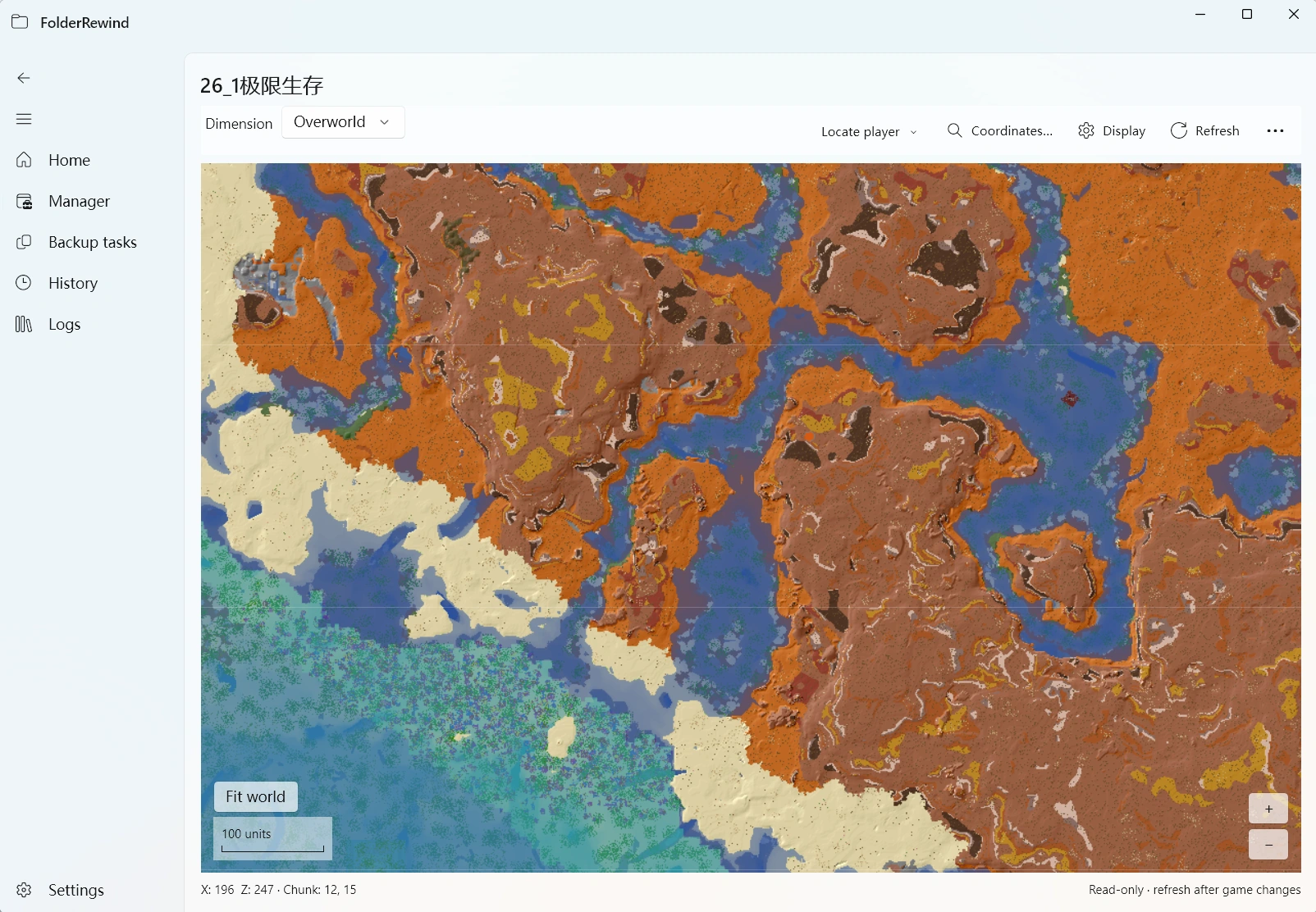
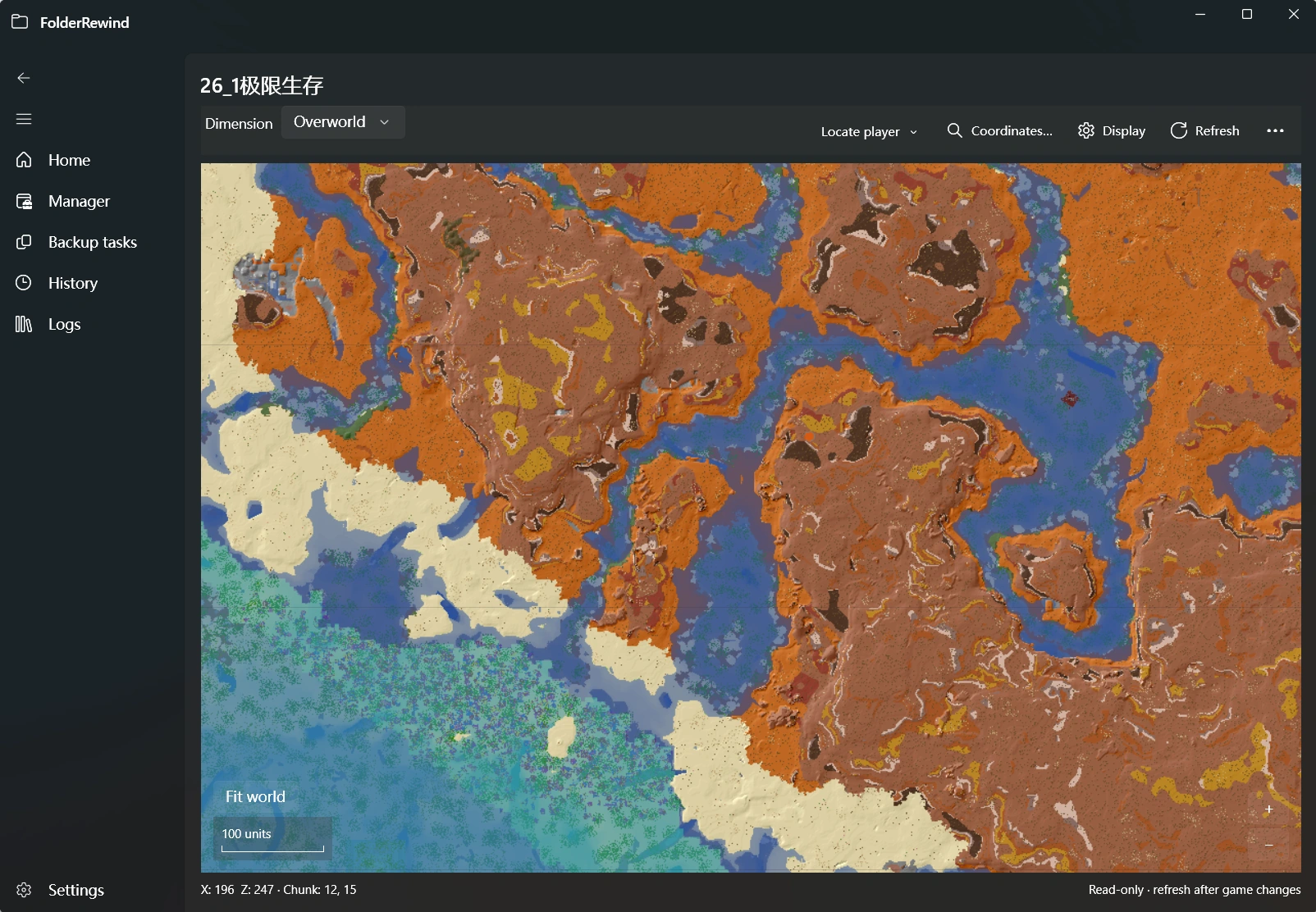
FolderRewind reads the real Java world “26_1极限生存” and displays its generated terrain. Interface version: 1.9.6.
Open the map
Enable the bundled MineRewind and add a valid Minecraft Java save source. Open that source's action menu in management and choose map preview. Bedrock and ordinary folders do not offer this Java map capability. The separate MineRewind 1.9.5 release does not include it.
Browse and navigate
- Select a dimension, drag the map and zoom to explore colored terrain.
- Use navigation targets or coordinates; coordinate input is bounded by the dimension's legal range.
- Open display settings to adjust the grid, view height or fit the data range.
- Select a location for provider-supplied chunk and world details. Refresh rereads changed data.
The visible area is refined progressively. At distant zoom levels, every terrain cell may not have been decoded in detail. Unknown or ungenerated areas do not prove the world is empty.
Backups and region selection
The map is a read-only view of the current source. It does not generate chunks, modify the save or verify a backup. The visible area does not automatically become the backup range; configure selected-region backup separately.
If the map does not load
Check that the source is a Java save, the bundled plugin is active and the files are readable. Try another dimension when one has no generated data. Follow diagnostics for file locks, damage or format limits; editing NBT or deleting region files is not a preview repair procedure.
Plugin developers can read the API 3.9 spatial-preview contract.